
A math solver app on your phone comes in four main types: photo solvers, graphing apps, formula solvers and scientific calculators. Each is strongest on a different kind of problem, so the right question is not “which app is best” but “what kind of problem am I stuck on”. This article compares the four types, shows who should use which, and explains how to use them without turning your phone into an answer-copying machine.
The four types of math solver apps
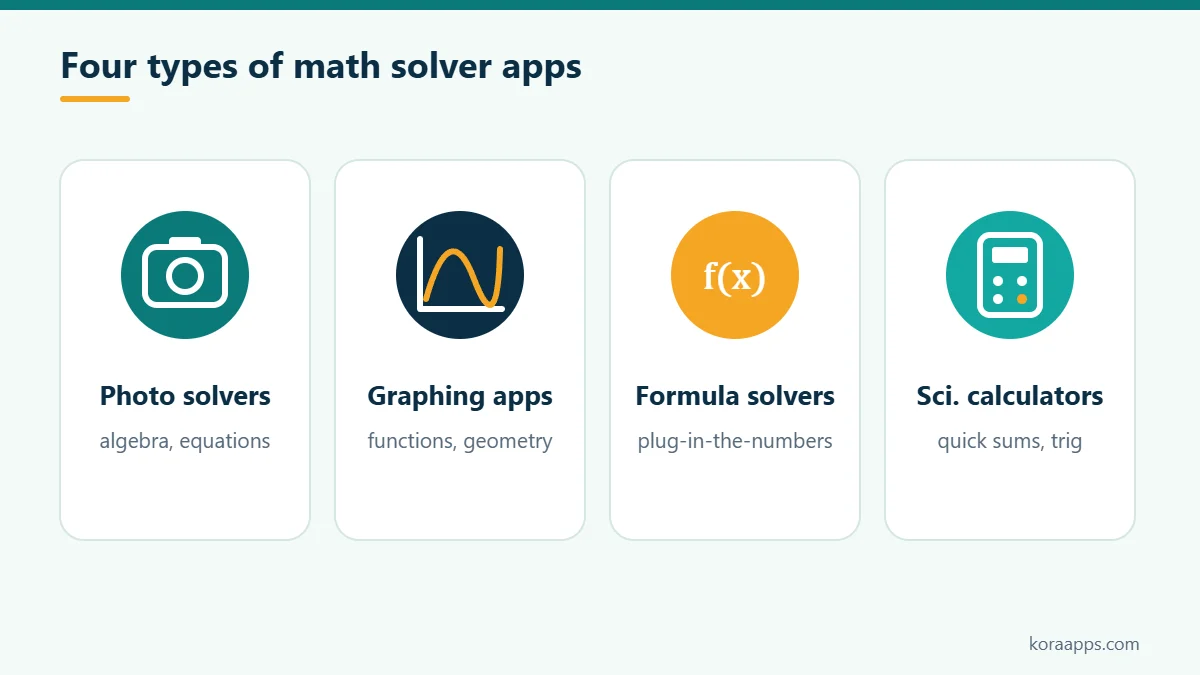
Photo solvers
You take a picture of a calculation or equation, the app recognizes the text and returns a solution. Photomath and the homework help in Google Lens are well-known examples. They are fast and you do not have to type. The downsides: recognition can fail on messy handwriting or problems with diagrams, and detailed explanations are sometimes behind a paid plan.
Graphing apps
Desmos and GeoGebra let you type a function and see its graph instantly, find intersections and turning points, or build geometric figures. They are the best choice for function analysis and geometry, because you see what the problem means instead of only getting a number.
Formula solvers
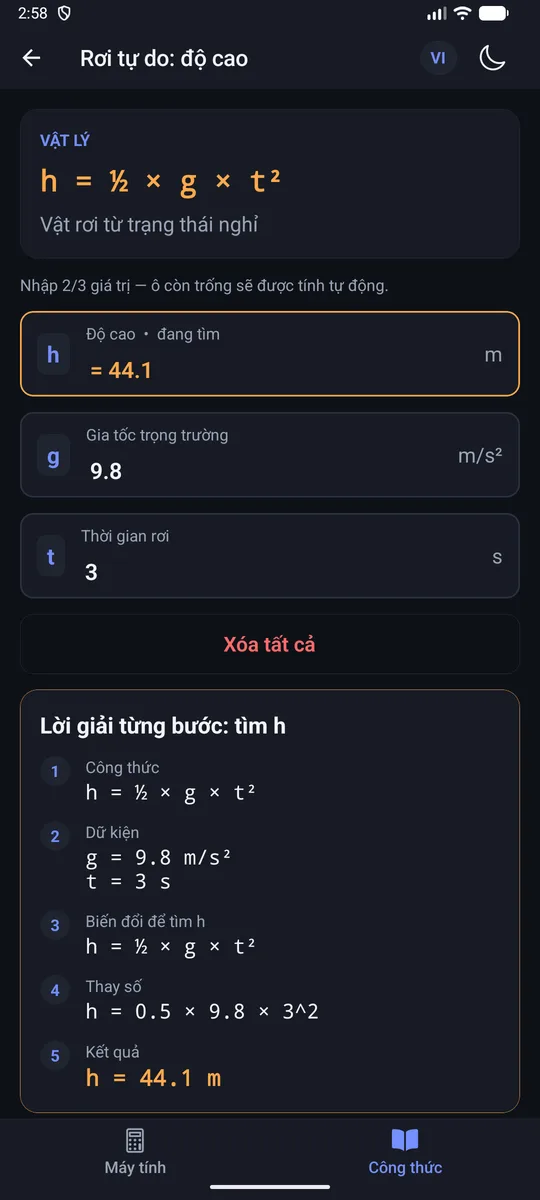
You pick a built-in formula (Pythagorean theorem, quadratic equation, motion, solution concentration…), enter the known values, and the app finds the missing one. Giải Nhanh is in this group, with 89 math, physics and chemistry formulas and step-by-step solutions that keep track of units. This type suits plug-in-the-numbers problems, especially in physics and chemistry.
Scientific calculators
A replacement for a handheld calculator when studying at home: trigonometry, roots, powers. Watch the degree (DEG) and radian (RAD) setting, because the wrong mode ruins every trigonometry answer.
Quick comparison of the four types
| App type | Best at | Step-by-step solutions | Works offline | Main drawback |
|---|---|---|---|---|
| Photo solver | Algebra, equations | Yes (some paid) | Depends on app | Encourages copying; recognition errors |
| Graphing app | Functions, geometry | No, mostly visual | Some features | No written solution |
| Formula solver | Plug-in problems in math, physics, chemistry | Yes | Yes (Giải Nhanh) | Only formulas in its library |
| Scientific calculator | Fast calculations | No | Yes | Does not explain the method |
Which math solver app type should you choose?
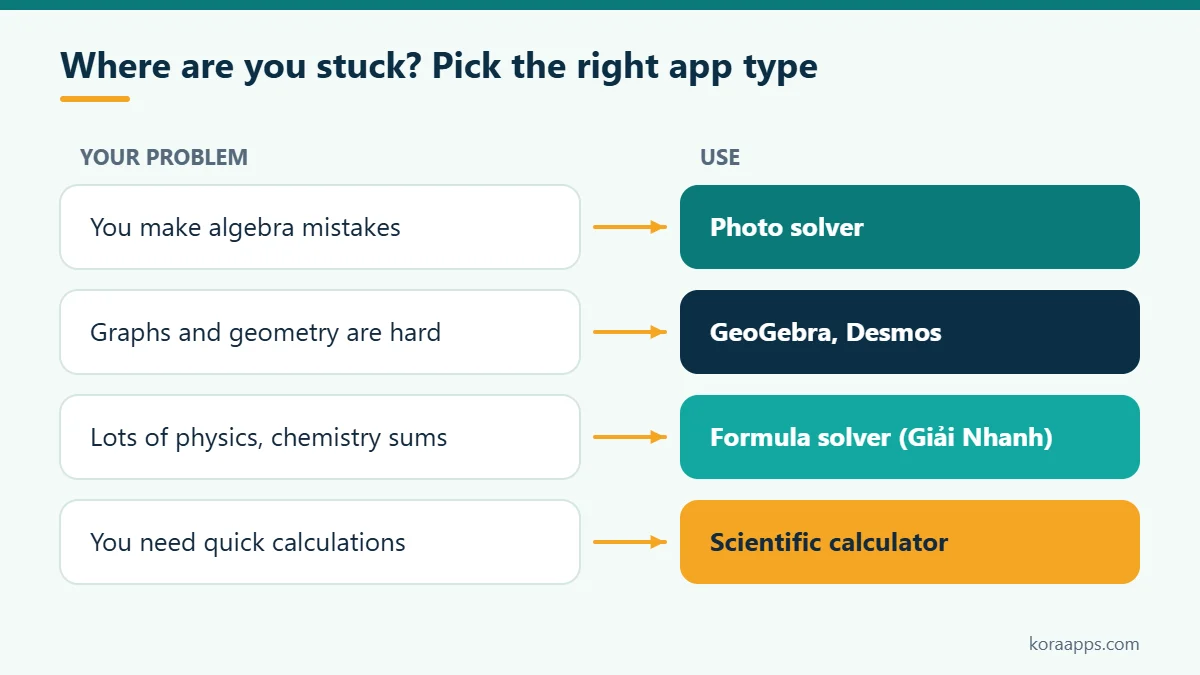
- Middle-school students who slip on algebra steps: a photo solver to see each step, but only after trying first.
- High-school students studying functions and graphs: Desmos or GeoGebra.
- Students doing many physics and chemistry plug-in problems: a formula solver like Giải Nhanh, because you have to choose the right formula yourself, which is also a skill tested in exams.
- Parents checking homework: a photo solver to compare answers quickly, then ask your child to explain the steps.
If you can only pick two, a sensible pair for high school is one graphing app plus one formula solver: one helps you understand, the other helps you check calculations. A longer list is in 10 free study apps for students.
What to check before installing
- Whether the app shows step-by-step solutions for free or only answers.
- The “Data safety” section on Google Play: what the app collects and whether it shares data with third parties.
- Requested permissions: a photo solver needs the camera; a calculator asking for contacts or location is a warning sign.
- Try a few problems you already know the answers to.
- Watch for ads: pop-ups in the middle of a problem break your focus.
Using a math solver without it backfiring
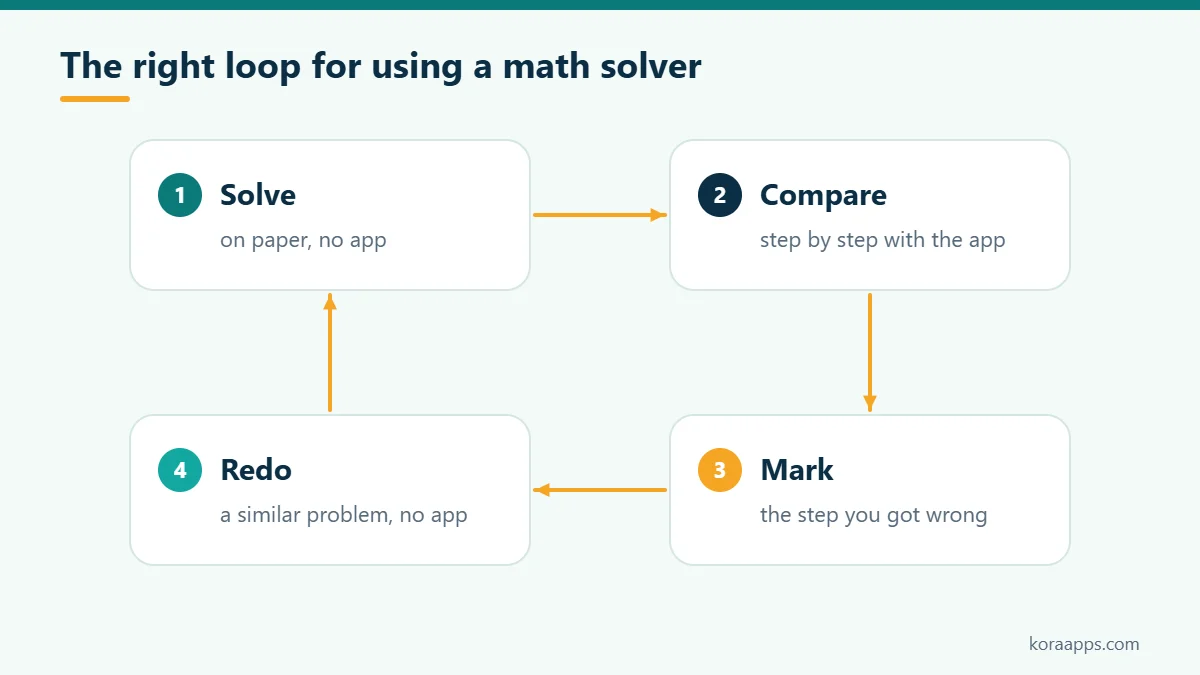
A math solver only helps if you use it as a checker, not as someone doing the work for you. Solve on paper first, compare each step with the app, mark the step you got wrong, then redo a similar problem without the app. For core skills like solving quadratic equations, make sure you can do it yourself before reaching for a tool.
Keep in mind that most exams do not allow phones. The skill you take into the exam room is choosing formulas and manipulating them, so apps should shorten the time it takes to find a mistake, not replace practice.
Conclusion
No math solver app is good at everything. If you get stuck on algebra steps, a photo solver shows where you went wrong; if graphs and geometry are the problem, use Desmos or GeoGebra; and if you do a lot of physics and chemistry plug-in problems, a formula solver like Giải Nhanh gives solutions with units that are easy to compare with your own work.
Frequently asked questions
Are math solver apps accurate?
Mostly yes for standard problems, but photo solvers can misread handwriting. Always check that the app read the problem correctly before trusting the answer.
Is there a math solver that works offline?
Yes. Giải Nhanh and scientific calculator apps run entirely on the phone; photo solvers usually need the internet to recognize and solve.
Can math solver apps do geometry?
Photo solvers are often weak on problems with diagrams. GeoGebra is better for constructions; Giải Nhanh calculates geometry formulas such as area, volume and the Pythagorean theorem.
Is using a math solver cheating?
Not when you use it to study and check work at home. Using one during a test or exam where it is not allowed breaks the rules.